
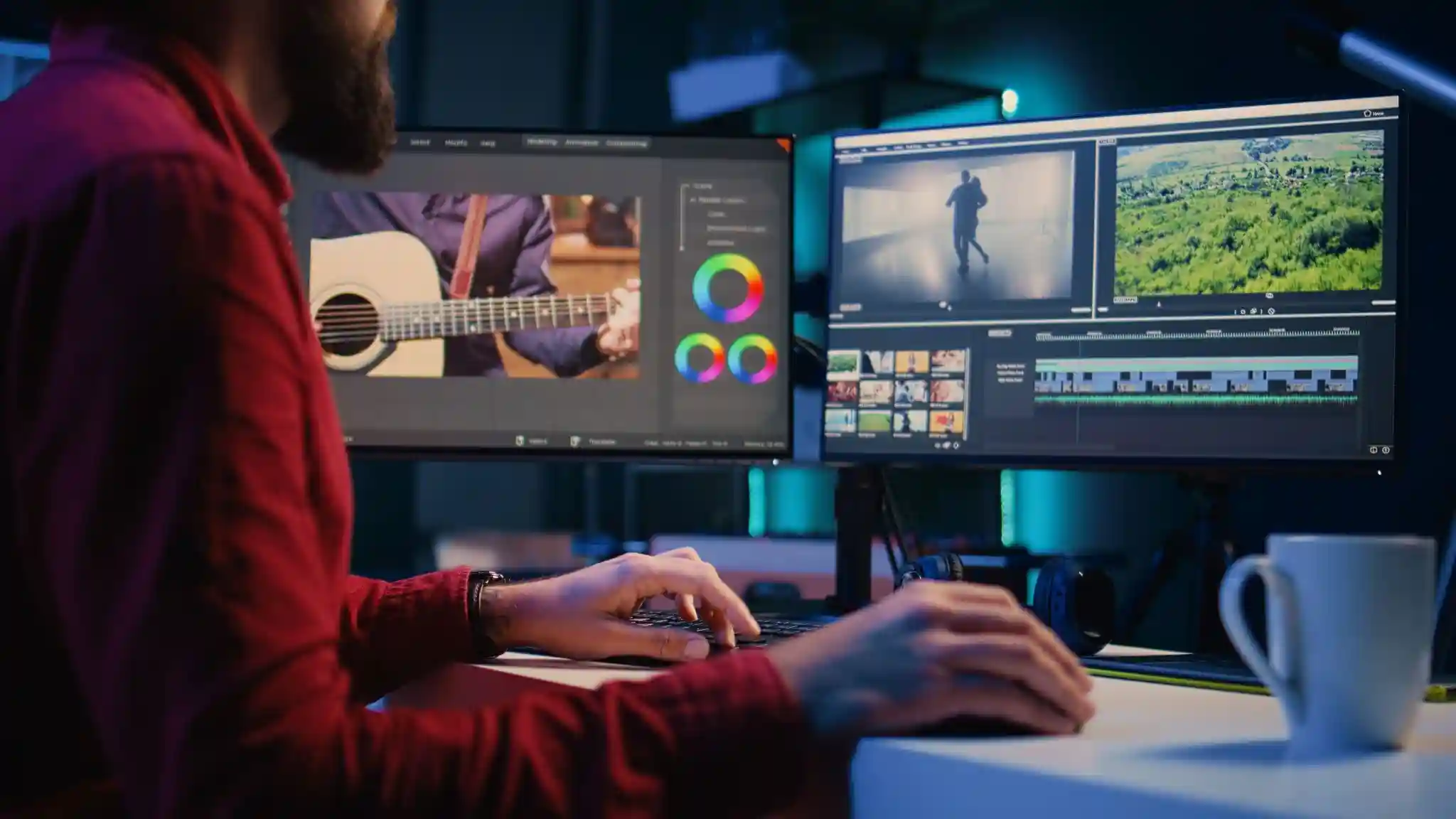
Filmmaking is an art form that combines creativity, technical skills, and storytelling. For beginners venturing into this exciting world, mastering the editing process is crucial. Editing can transform raw footage into a polished film, making it essential for every filmmaker. However, with so many options available, choosing the right editing software can be overwhelming. In this guide, we will explore essential editing software and tools for beginner filmmakers, emphasizing features, top picks, and tips to help you get started.
Introduction to Film Editing for Beginners
Editing isn’t just about cutting and pasting video clips together. It’s where your story truly comes to life. This process allows you to shape your narrative, control pacing, and evoke emotions in your audience. For beginners, understanding the importance of editing is the first step in their filmmaking journey.
The Importance of Editing in Filmmaking
Editing is often referred to as the final rewrite of a film. This is where you make crucial decisions that influence how viewers perceive the story. Good editing can enhance the emotional impact of a scene, maintain viewer engagement, and create a cohesive narrative flow. As a beginner, recognizing the power of editing will motivate you to explore this crucial aspect of filmmaking.
Overview of the Editing Process
The editing process typically involves several stages: assembling footage, cutting and trimming clips, adding transitions, and applying effects. It’s also the stage where sound design and color correction come into play. Each step is vital to achieving a professional look and feel for your project. As you embark on your editing journey, understanding these stages will help you navigate the software and tools more effectively.
Key Features to Look for in Editing Software
When selecting editing software, it’s essential to evaluate key features that will facilitate your workflow. As a beginner, look for a program that balances functionality with ease of use.
User-Friendly Interface
A user-friendly interface is crucial for beginners. The software should be intuitive and easy to navigate, allowing you to focus on creativity rather than struggling with technical complexities. Look for programs with clear menus, helpful tooltips, and organized layouts.
Essential Editing Tools and Effects
The software should offer essential editing tools, such as cutting, trimming, and merging clips. Additionally, features like transitions, filters, and titles can enhance your project. A good editing program will provide a variety of effects to help you achieve your desired look without overwhelming you with options.
Compatibility and System Requirements
Before committing to any editing software, check its compatibility with your operating system and hardware. Some programs require specific system configurations to function optimally. Make sure your computer meets the software’s requirements to avoid performance issues during editing.
Top Editing Software for Beginner Filmmakers
Now that you know what to look for, let’s explore some of the best editing software options available for beginner filmmakers. Whether you’re looking for free tools or affordable paid options, there’s something for everyone.
Free Editing Software Options
For those just starting out, free editing software can be a fantastic way to learn without financial commitment.
DaVinci Resolve
DaVinci Resolve is a powerful tool used by professionals and beginners alike. Its free version offers an impressive range of features, including advanced color grading, audio editing, and visual effects. The user interface is designed to cater to different skill levels, making it accessible for newcomers while still offering advanced tools for when you’re ready to explore more.
HitFilm Express
HitFilm Express is another excellent free option that combines editing and visual effects. It’s perfect for filmmakers who want to create dynamic content with a blend of video editing and special effects. While it may have a slight learning curve, numerous online tutorials can help you get acquainted with the software quickly.
Lightworks
Lightworks is a professional-grade editing software that offers a free version with robust features. It supports multi-camera editing, real-time effects, and a wide range of formats. While it has a more complex interface, it’s worth exploring for those who are serious about filmmaking and willing to invest time in learning.
Affordable Paid Editing Software
If you’re ready to invest in your editing journey, several affordable paid software options provide excellent value.
Filmora
Filmora is an intuitive editing software designed for beginners. It offers a straightforward drag-and-drop interface and a variety of built-in effects and transitions. With its user-friendly design, Filmora allows you to create professional-looking videos quickly, making it a great choice for those just starting.
Adobe Premiere Elements
Adobe Premiere Elements is a simplified version of Adobe Premiere Pro, tailored for beginners. It offers guided edits that help you learn the basics while creating your projects. With a range of creative options and effects, this software strikes a balance between ease of use and powerful features.
CyberLink PowerDirector
CyberLink PowerDirector is known for its fast rendering speeds and user-friendly interface. It offers a wealth of features, including 360-degree video editing and motion tracking. Its robust toolset makes it a great choice for beginners looking to explore more advanced editing techniques.
Essential Tools for Enhancing Your Editing Workflow
Editing isn’t just about software; the right tools can significantly improve your workflow and the quality of your projects. Here are some essential tools to consider.
Audio Editing Tools
Good audio quality is crucial for any film. Investing in audio editing tools can help you refine the sound in your projects.
Audacity
Audacity is a free, open-source audio editing software that’s perfect for beginners. It allows you to edit and enhance your audio tracks with ease. You can remove background noise, adjust levels, and apply effects to ensure that your audio matches the quality of your visuals.
Adobe Audition
Adobe Audition is a more advanced audio editing tool that integrates well with video editing software. It provides a comprehensive set of features for cleaning up audio, mixing tracks, and creating soundscapes. While it may require a subscription, its capabilities can elevate your film’s audio quality significantly.
Understanding the Basics of Color Grading
Color grading is an often-overlooked aspect of editing that can dramatically affect the mood and tone of your film. Understanding the basics of color grading is essential for any filmmaker.
Importance of Color Grading in Film
Color grading helps set the atmosphere and emotional tone of your project. It can enhance storytelling by creating visual consistency and guiding the audience’s emotions. As a beginner, learning the basics of color grading will add a professional touch to your films.
Tools for Color Grading
Many editing software programs offer built-in color grading tools. However, dedicated software can provide more advanced options.
DaVinci Resolve (Again)
DaVinci Resolve is renowned for its exceptional color grading capabilities. Even in its free version, it offers advanced color wheels, curves, and LUT support. Beginners can experiment with color grading to achieve different looks and styles for their projects.
Color Finale
Color Finale is a plugin for Final Cut Pro X that provides advanced color grading tools. It’s designed for filmmakers looking to enhance their color correction and grading processes. While it’s a paid option, its capabilities can significantly improve the visual quality of your projects.
Conclusion: Starting Your Filmmaking Journey
As you embark on your filmmaking journey, finding the right editing software is crucial. The tools you choose can significantly impact your creative expression and the quality of your projects. Remember that editing is an art form that requires practice and patience.
Embrace the learning process, and don’t hesitate to experiment with different software and tools. Whether you opt for free programs like DaVinci Resolve or invest in affordable options like Filmora, what matters most is your willingness to learn and grow as a filmmaker. With dedication and the right tools, you can bring your vision to life and create compelling films that resonate with your audience. Happy editing!